Coming up with a solid theme for your website is not easy for everyone, and that includes myself.
One thing that has worked quite well is using ChatGPT for hero banner creation and then using Adobe Colors to extract a theme from the generated image.
Generate an image
Find a suiteble prompt for ChatGPT or any other AI that can generate images.
My prompt was this:
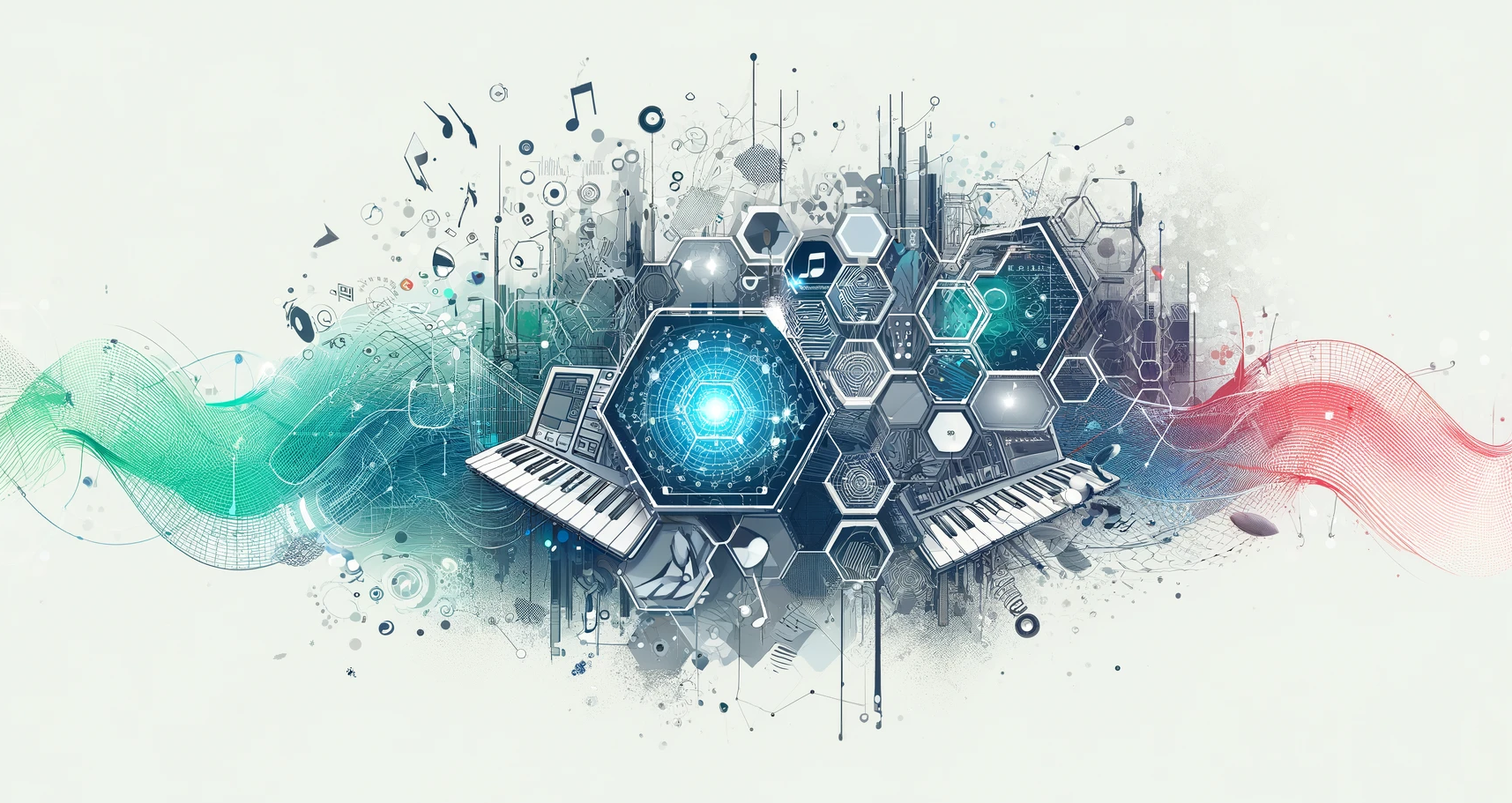
I am a frontend developer and musician and I wanted to have a blog about technology and music production. I need a banner image. I don't want any characters in it, but some nice shapes and related to technology and music would be nice, like hexagons, connectings nodes, music notes, computer screens and maybe some waves.
ChatGPT manage to capture the essence of what I was after in the first go, and here is the image:
Create a theme
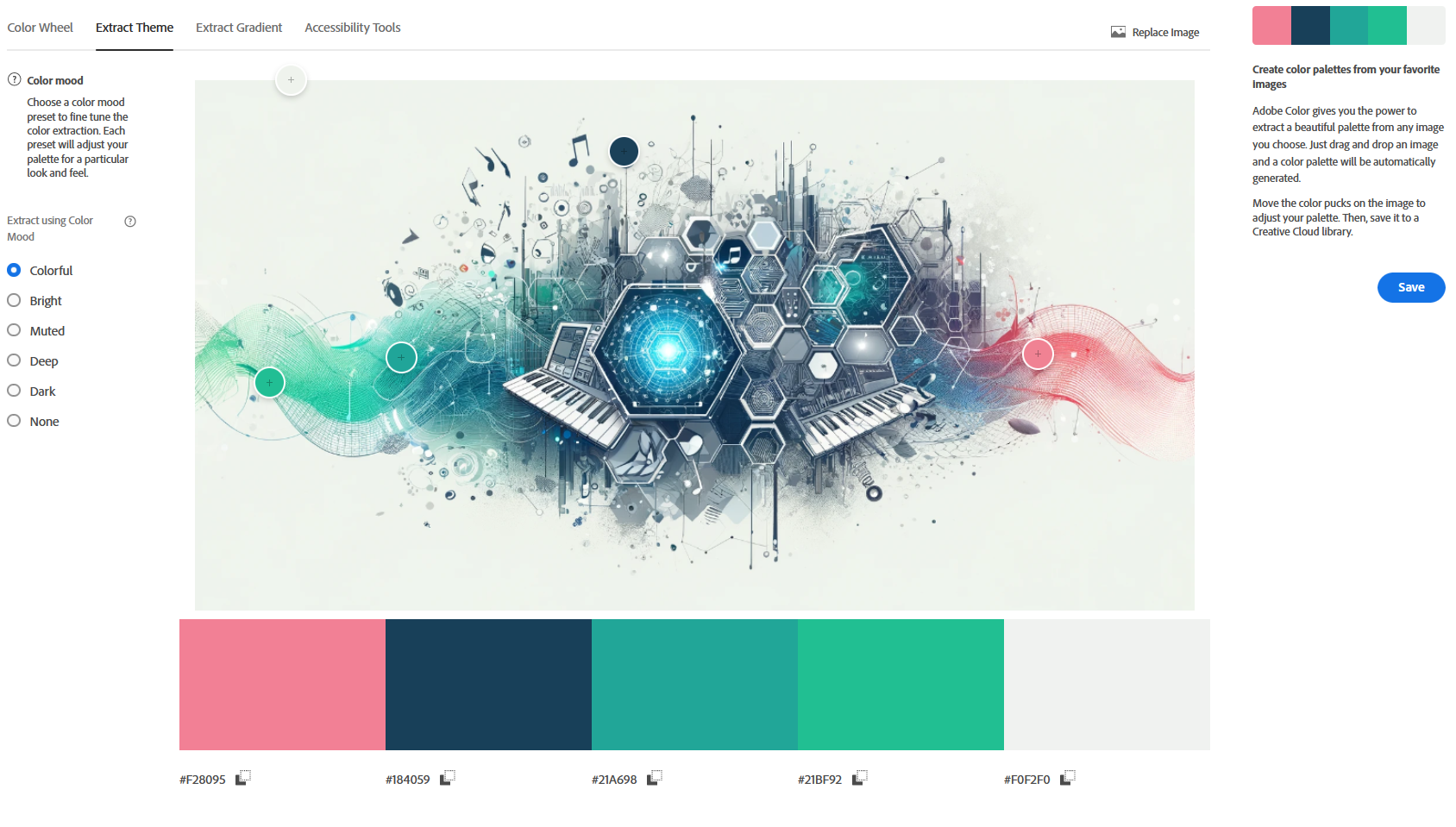
Navigate to the Adobe Colors website, which is free to use for everyone. This is an awesome tool which let's you extract a color theme from any image.
Below you can see the result of just dropping the image. Adobe Colors provides a nice color palette and you can move the blobs around yourself if the colors picked by the app are not exaclty the ones you like the most.
Conclusion
So there you have. A simple way to get a theme, or at least a starting point for a theme for your website, including a custom hero banner. I hope this has been helpful!